
Skill Up for the AI-Driven Future
Microsoft AI Bootcamp
Outcome: By the end of this bootcamp, all participants will be fully prepared to take the Microsoft Azure AI Fundamentals (AI-900) certification exam.
Price: SAR 1,500 + VAT
(For Saudi Nationals: SAR 300 + VAT)
Online
10th December
7:00PM - 8:30PM (KSA)
Wednesday
Built on Microsoft’s Official Curriculum. Powered by Live Training.
Microsoft Official Content
Certification Preparation
Live Classes
English + Arabic Support
AI Bootcamp Curriculum
Below is the detailed class-wise curriculum for the AI bootcamp.
Learning Objectives
- Understand Microsoft’s end-to-end ecosystem: M365, Azure, Power Platform, Copilot, Copilot Studio
- Understand basic AI concepts: machine learning, deep learning, generative AI
- Learn fundamentals of prompting using Microsoft Copilot (Consumer + Enterprise)
Topics Covered
- What is Microsoft Azure and how does it differ from M365?
- Azure AI services overview (Cognitive Services, Azure OpenAI, Responsible AI)
- What is AI and how is it used in enterprises?
- What is Copilot? Where does it live?
- Prompting basics: task-based prompts, context, persona, format control
Hands-On
- Write prompts for document drafting
- Summaries, analysis, email writing, research tasks
- Build structured templates for business use cases
Learning Objectives
- Apply structured prompting frameworks
- Understand Microsoft’s Responsible AI principles
- Learn how to use Copilot and Azure AI safely and in compliance with organizational policy
Topics Covered
- Prompt engineering frameworks:
- RACE (Role, Action, Context, Examples)
- TACO (Task, Action, Constraints, Output)
- Chain-of-Thought prompting
- Multi-step prompting
- Troubleshooting bad prompts (hallucinations, vague prompts, missing context)
- Azure Responsible AI Principles: fairness, transparency, privacy, inclusiveness, accountability
Hands-On
- Rewrite weak prompts into strong ones
- Build prompts for HR, BD, operations, marketing
- Use Copilot with governance and security in mind
Learning Objectives
- Understand automation fundamentals
- Build low-code workflows using Power Automate
- Trigger flows from email, SharePoint, Excel, Teams
Topics Covered
- Types of flows: Automated, Instant, Scheduled, Business Process
- Connectors overview: Outlook, Teams, Excel, SharePoint, Dataverse
- When to automate vs when to use Copilot
Hands-On
- Automate email → Excel logging
- Automate approvals (manager approvals)
- Build a Teams notification bot
- Extract information using Power Automate AI Actions (OCR, translation)
Skill for AI-900
- Understanding how AI capabilities integrate inside Power Platform.
Learning Objectives
- Learn all core Azure AI services tested in AI-900
- Understand the difference between Cognitive Services vs Azure OpenAI
- Grasp ML basics in Azure
Topics Covered
- AI service categories:
- Vision (OCR, image analysis)
- Language (text analytics, NER, sentiment)
- Speech (STT, TTS, translation)
- Decision (Personalizer)
- Azure OpenAI models (GPT, embeddings, fine-tuning basics)
- Understanding ML lifecycle: data → training → evaluation → deployment
- What is a model endpoint?
Hands-On
- Use Azure AI Vision to extract text
- Use Text Analytics to detect sentiment
- Try Azure OpenAI playground (classification + summarization)
Learning Objectives
- Understand how to build copilots/agents
- Learn about grounding, data sources, orchestration
- Build functional agents inside Copilot Studio
Topics Covered
- Overview of Copilot Studio
- Creating copilots
- Configuring topics, triggers, actions
- Adding data sources (SharePoint, Dataverse, websites)
- Prompt flows vs conversation flows
- Using generative answers backed by enterprise data
Hands-On
- Build a basic Q&A bot
- Connect a SharePoint knowledge base
- Add actions using Power Automate
- Publish and test inside Teams
Skill for AI-900
- GenAI concepts, enterprise data grounding, LLM-based apps.
Learning Objectives
- Understand ML workflow inside Azure ML Studio
- Train, validate, evaluate basic ML models
- Learn classification, regression, clustering at a foundational level
Topics Covered
- What is Azure Machine Learning?
- Designer (drag-and-drop) vs Notebooks
- Supervised vs Unsupervised learning
- Regression, classification, clustering examples
- Model evaluation: accuracy, precision, recall
Hands-On
- Use a built-in dataset
- Train a classification model using Designer
- Evaluate outcomes
- Deploy a model endpoint from Azure ML
Learning Objectives
- Understand NLP and GenAI fundamentals
- Work with Azure OpenAI for text generation, summarization, embeddings
- Build a mini-project using Azure AI
Topics Covered
- NLP basics: tokenization, embeddings, text classification
- What are LLMs?
- Use cases in enterprises (emails, customer service, RAG-based chatbots)
- Prompting RAG-style copilots
Hands-On Mini Project
- Build a text summarizer for documents
- Create a sentiment dashboard using Text Analytics
- Create a Q&A chatbot using Azure OpenAI + data source
Learning Objectives
- Learn Vision AI fundamentals
- Implement OCR, object detection, image classification using Azure Vision
- Final exam preparation for AI-900
Topics Covered
- What is Computer Vision?
- Azure Vision Services: OCR, tagging, face detection ethics
- Real-world use cases: manufacturing, retail, healthcare
Hands-On
- Upload images into Vision Studio
- Extract text
- Detect objects
- Build a simple image classifier using Azure ML Designer
Required Accounts, Subscriptions & Platform Sign-Ups
To ensure smooth hands-on work throughout the bootcamp, participants must have:
Any one of the following will work:
- Microsoft Personal Account (e.g., Outlook, Hotmail, Live)
- Microsoft 365 Work/School Account (preferred, if provided by employer or university)
Participants need an active Azure subscription to access Azure AI services.
They can use:
- Azure Free Account (Recommended)
- Provides $200 credit for 30 days
- Gives free access to Azure AI Services, Azure Machine Learning, Azure Cognitive Services
- Sign-up: https://azure.microsoft.com/free
If they already have an employer-provided Azure subscription, that also works.
Automatically available if their Azure subscription is active.
Used for:
- Azure AI Vision
- Azure Language Services
- Azure OpenAI (depending on region)
- Prompt Flow
- AI Projects
Required for hands-on work with Copilot in:
- Word
- Excel
- PowerPoint
- Outlook
- Teams
If students do not have M365, they can still learn prompting using:
- Copilot Web
- Copilot in Windows (if available)
Participants need:
- A Power Platform environment
- Access to Power Automate
- Access to Copilot Studio
If their organization provides it, perfect.
Otherwise, they can use:
- Power Apps Developer Plan (free): https://aka.ms/powerapps/devplan
This gives them:
- Power Automate
- Copilot Studio
- Dataverse environment
- Ability to create copilots, flows, and automations
Automatically included with Azure subscription.
Used in Classes 6, 7, and 8.
- Training ML models
- Evaluating metrics
- Deploying endpoints
- Running Designer or Notebook workflows
Accessible. Affordable. Valuable.
Limited seats available - secure your spot today.
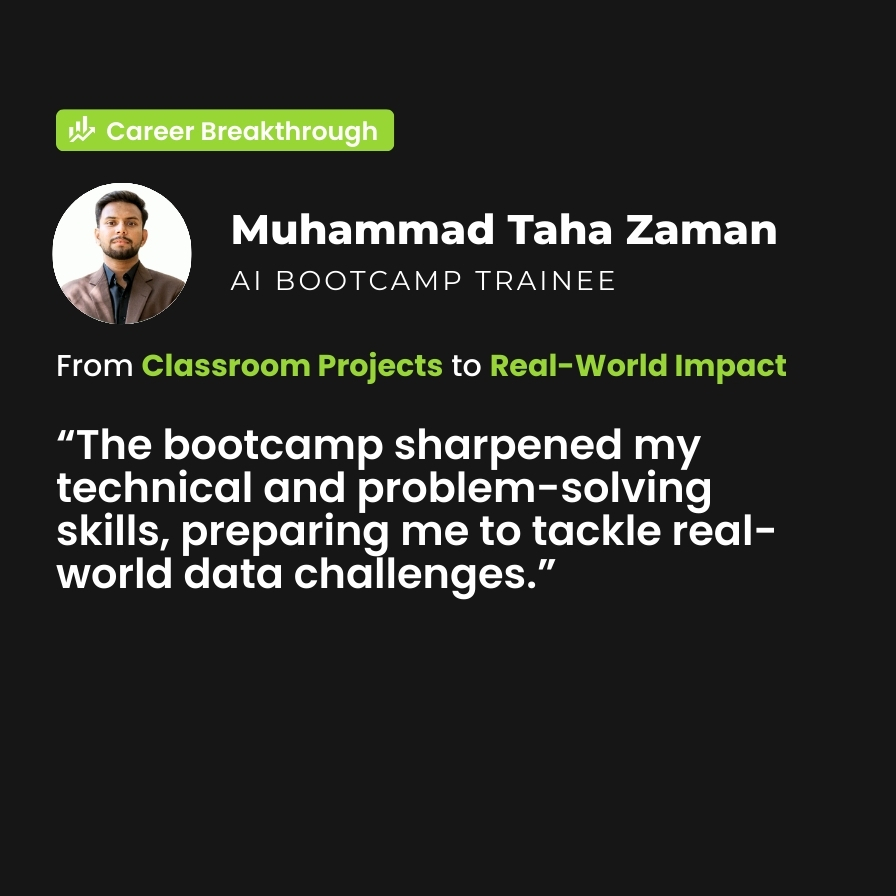
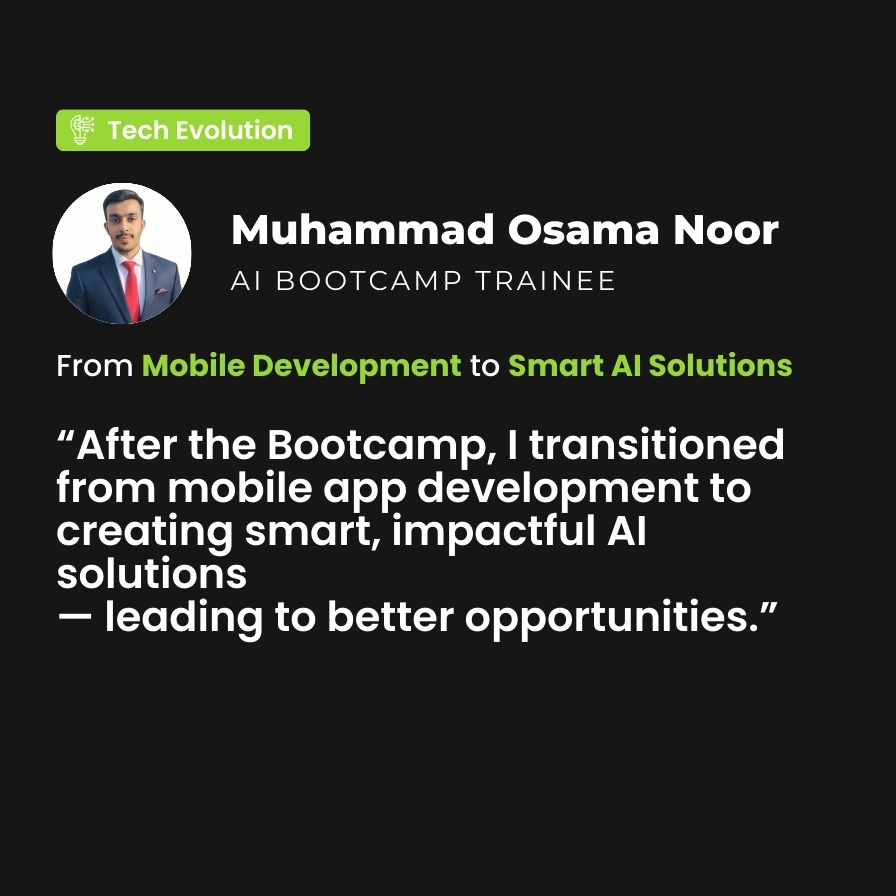
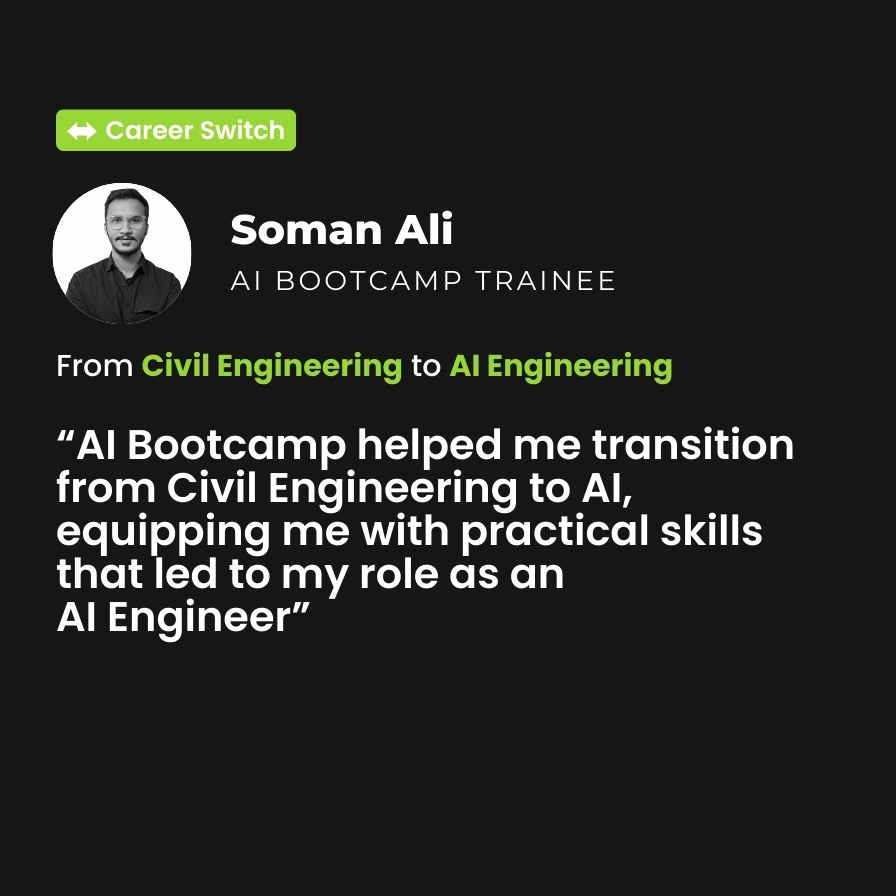
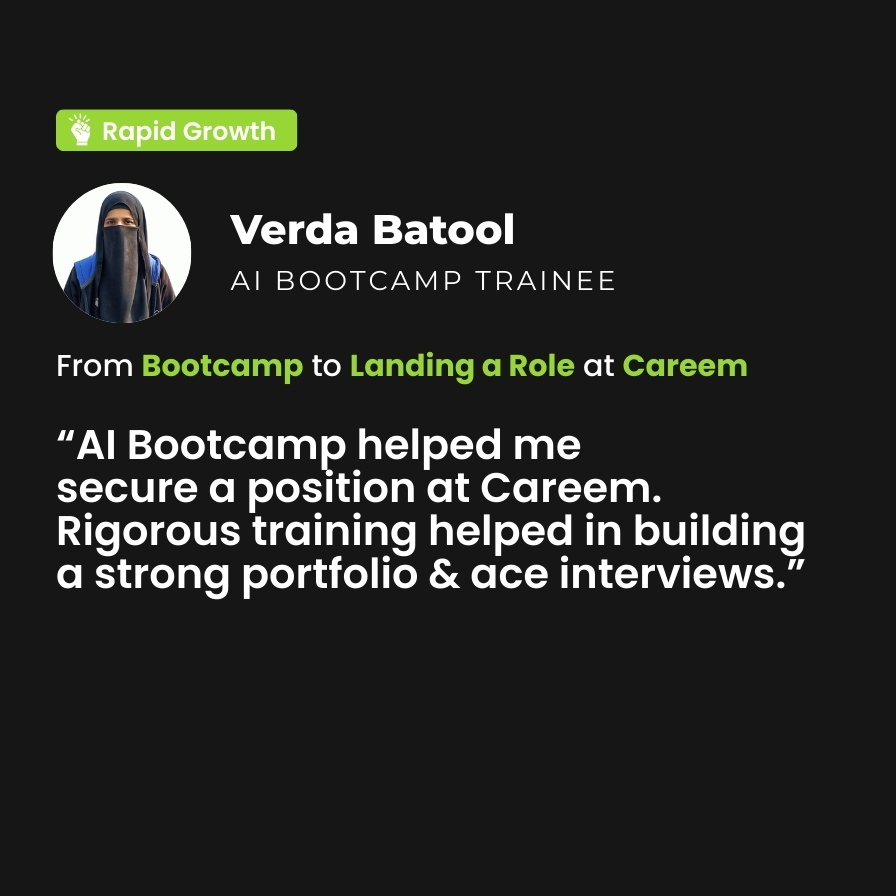
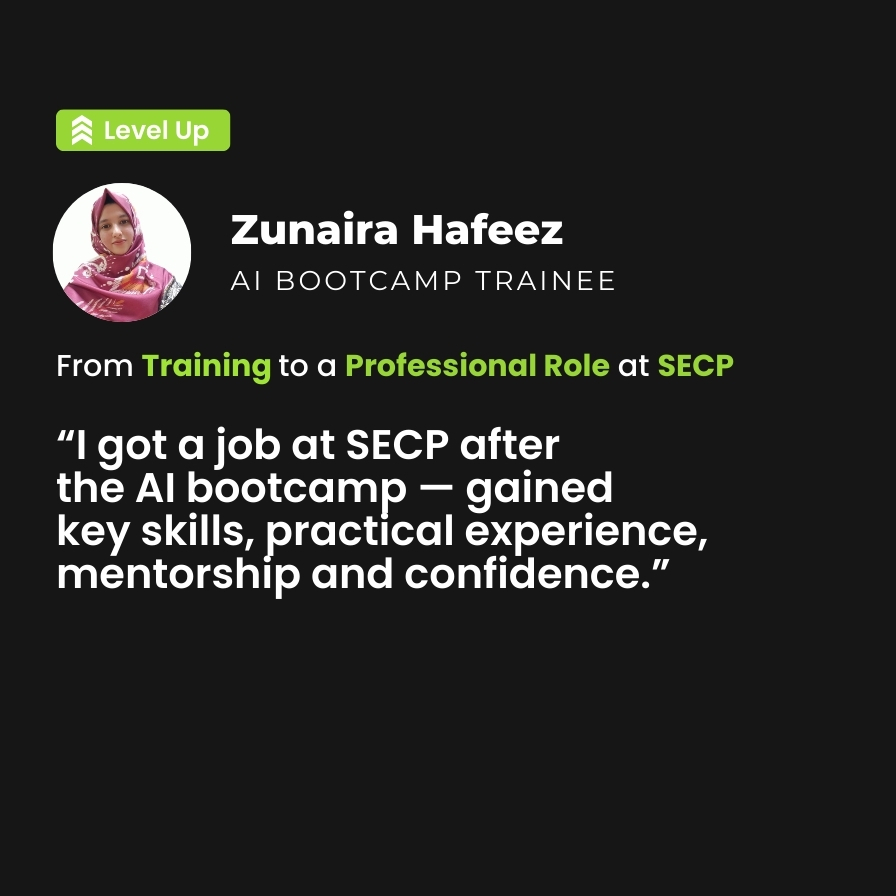
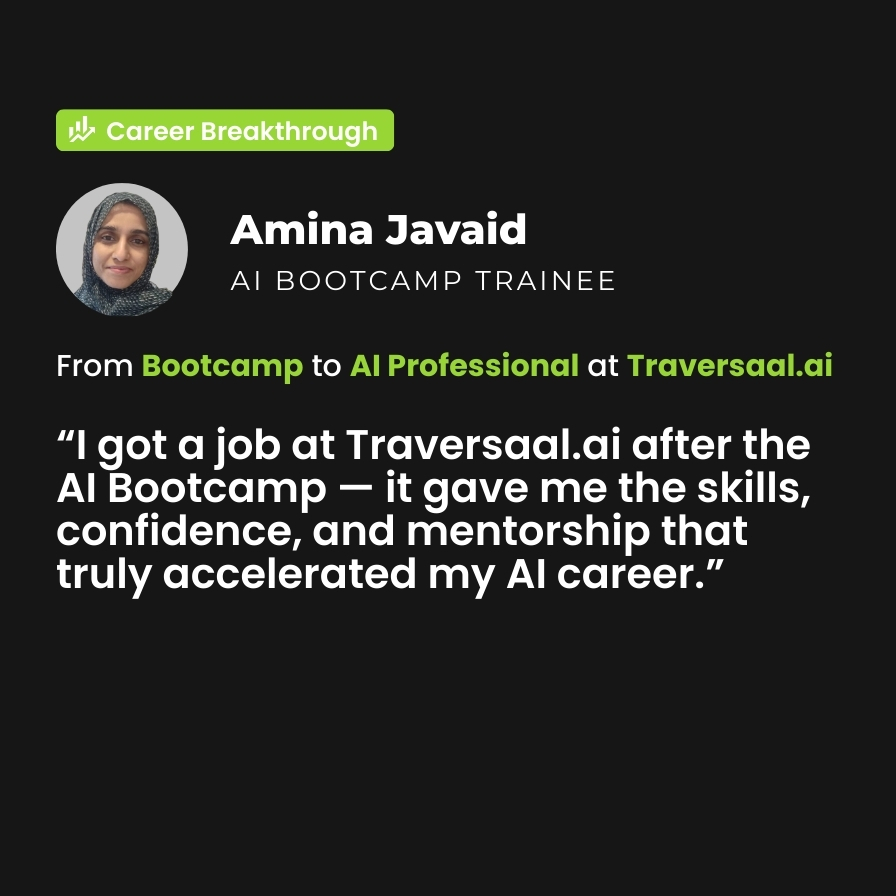
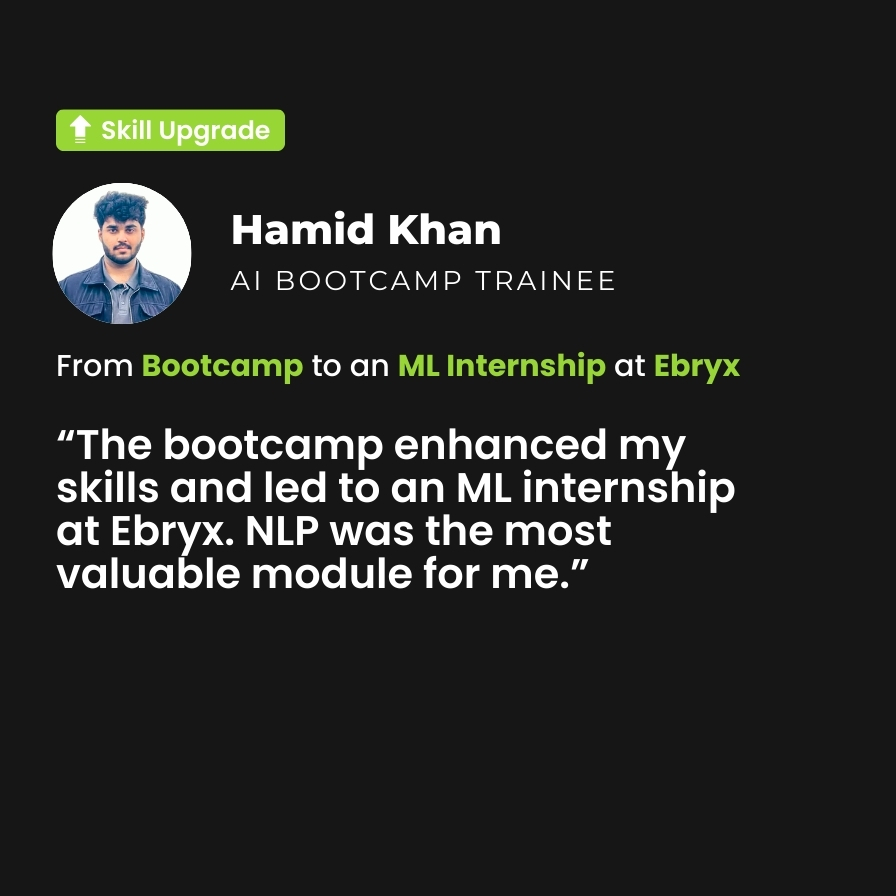
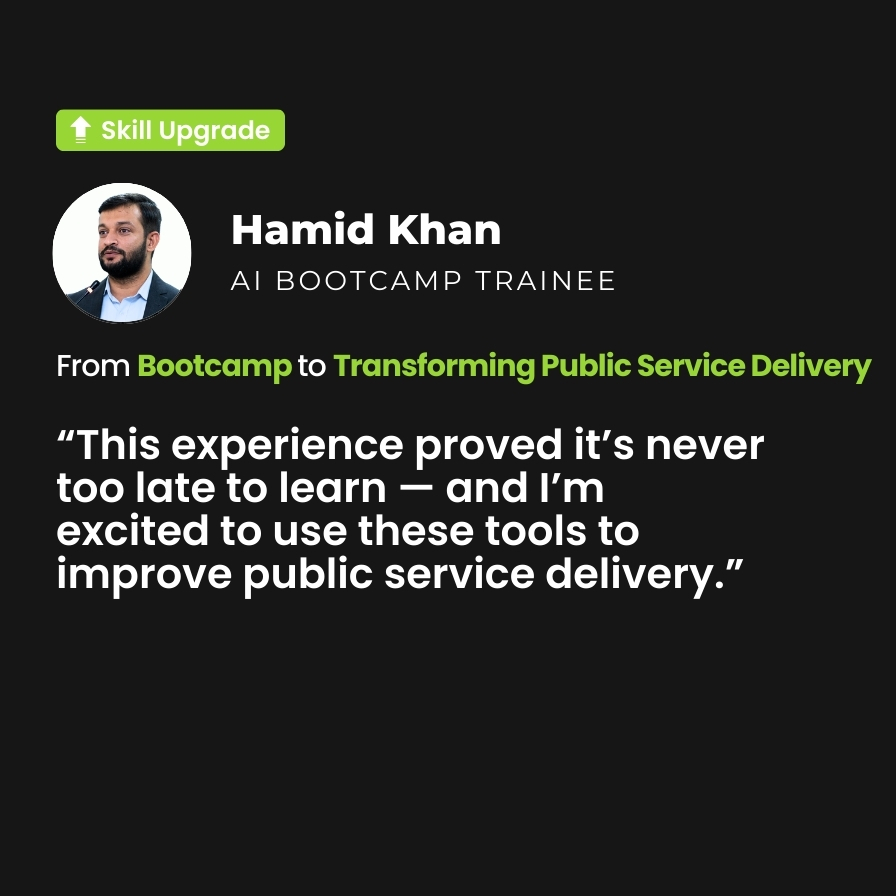
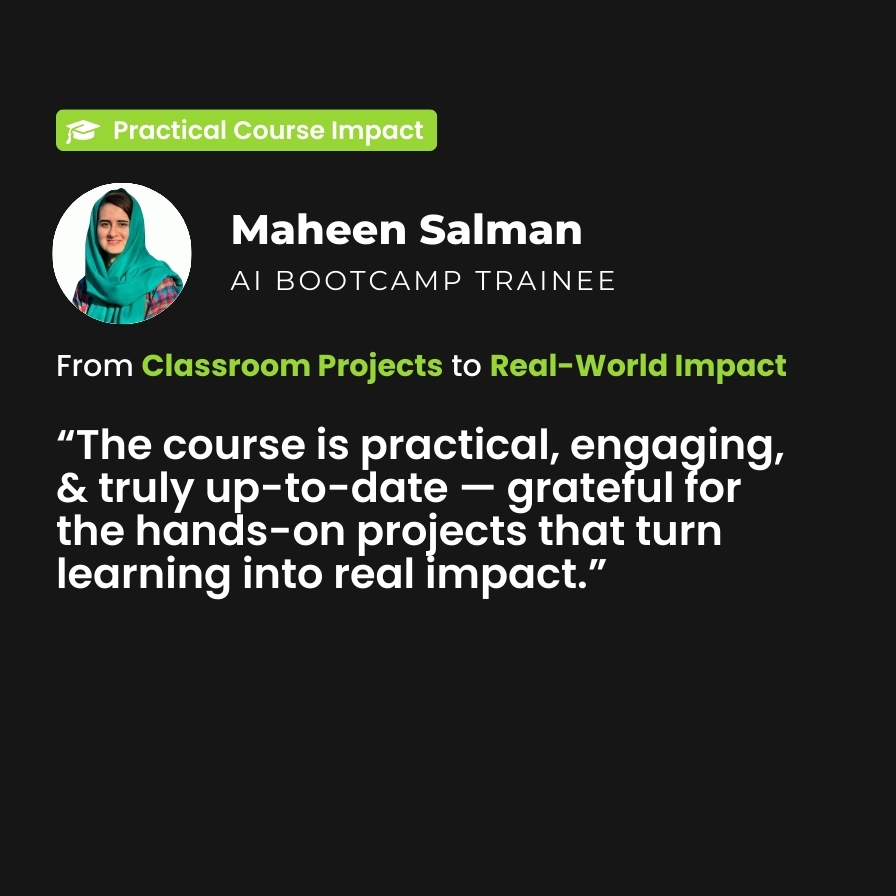
What Our Students Say About the AI Bootcamp
Our students consistently describe the AI Bootcamp as practical, career-focused, and genuinely transformative. They appreciate the hands-on projects, real-world use cases, and step-by-step guidance using Microsoft AI tools, which help them move beyond theory into real implementation.
By the End, You Will…
Be exam-ready for certification
Work on real
projects
Build & deploy AI with Azure
A Clear, Structured Path
Our methodology is designed to ensure learning translates into action
Instructor-led sessions where industry experts guide you through key AI concepts and practical implementation.
Dedicated Arabic TA sessions every Wednesday at 8:00 PM (KSA) to ensure clarity, guidance, and continuous support.
Self-paced modules designed by Microsoft, allowing you to learn at your own speed while following a globally recognized curriculum.
A program structure built for working professionals, enabling you to balance learning with your existing commitments.
Register now